
Building an AI SaaS platform for faster stock image metadata generation.
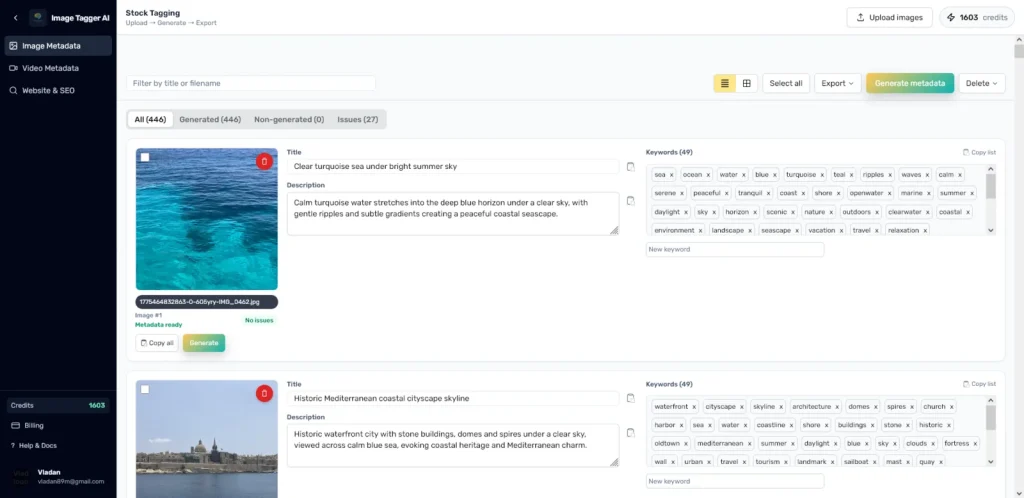
ImageTagger AI was built to solve a repetitive but important workflow for stock photographers: preparing accurate titles, descriptions and keywords before uploading images to contributor platforms.
Instead of writing metadata image by image, users can upload batches, generate AI-assisted metadata, review issues, adjust keywords and export structured files for stock marketplace workflows.
AI SaaS platform
Next.js / TypeScript / OpenAI / MySQL / Redis / Backblaze B2
SaaS development, AI integration, product UX, image workflows, bulk processing, CSV export
Custom AI web application, authentication, image upload, metadata generation, issue review, bulk processing and export workflows
ImageTagger AI turns a repetitive manual metadata process into a structured AI-powered workflow.
ImageTagger AI is one of Actinium’s own products. It was created around a very specific workflow: helping stock photographers prepare image metadata faster and more consistently.
Stock contributors often need to create a title, description and keyword set for every image before uploading to platforms like Adobe Stock or Getty-style contributor systems. When this has to be done manually across many images, the process becomes slow, repetitive and easy to get wrong.
ImageTagger AI turns that workflow into a structured SaaS product: upload images, generate metadata, review issues, edit keywords and export the final files.
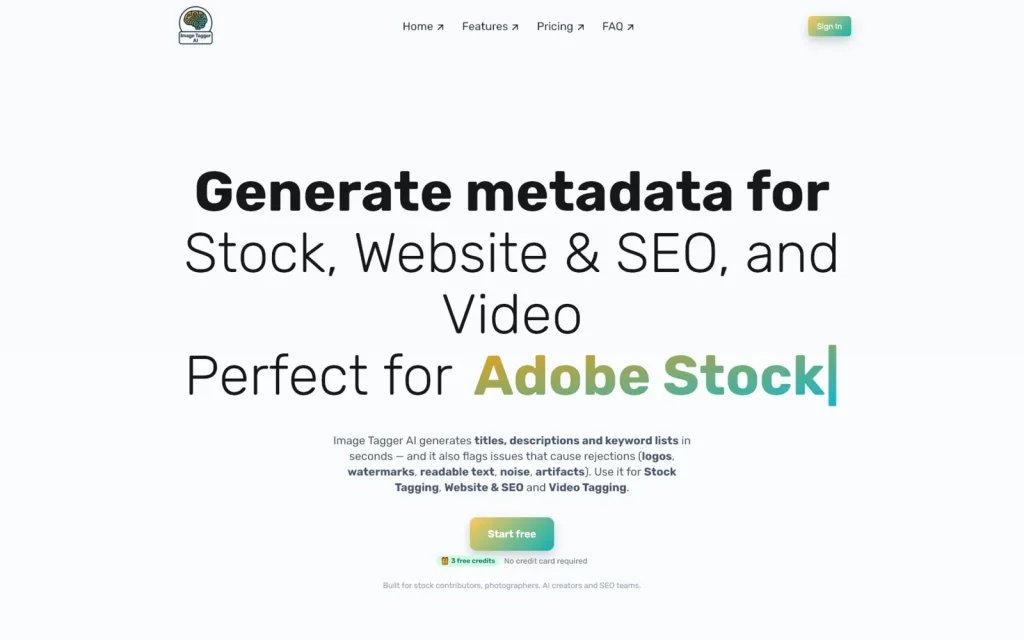
The challenge was not just “connect AI to images.” The product had to support a real contributor workflow from upload to export.
Stock image metadata has rules and expectations. Titles need to stay concise, descriptions need to be useful and keyword lists need to be relevant, ordered and formatted correctly for the platform.
Adobe Stock and Getty-style workflows also differ. Adobe requires a stricter single-word keyword format and a limited keyword count, while Getty-style metadata can support a different keyword structure.
The product needed to handle image upload, AI generation, marketplace-specific rules, issue detection, editing, saving and export — all without making the user feel like they were managing a technical tool.
- Support bulk image upload instead of one-by-one processing
- Generate useful titles, descriptions and keywords from image content
- Follow Adobe Stock-style metadata rules
- Support Getty-style metadata workflow
- Detect missing or problematic metadata
- Allow users to review and edit generated results
- Export structured CSV/TXT files
- Keep the interface fast and usable for batches
- Store files and metadata reliably
- Build a product foundation that can grow over time
Understand the contributor workflow
The product was structured around the real steps stock photographers follow: upload images, generate metadata, review results, fix issues and export files for submission.
The goal was to remove repetitive manual writing while still keeping the user in control of the final metadata.
Shape AI around platform rules
AI generation was not treated as a generic text output. The system had to generate metadata that follows marketplace expectations, including title length, description clarity, keyword relevance and Adobe-style keyword limits.
Separate workflows were created for Adobe Stock and Getty-style exports so the same image set could support different contributor requirements.
Build for review, editing and export
The product needed more than generation. Users needed tabs for generated and non-generated files, issue detection, editable keyword lists, saved changes and export options.
The interface was designed around batch work, so users can process many images, review them efficiently and export structured files when ready.
Bulk image upload
A multi-image upload workflow built for stock photographers processing batches.
AI metadata generation
Generated titles, descriptions and keywords based on image content and platform rules.
Adobe Stock workflow
Metadata structure focused on Adobe-style title limits, descriptions and 49 single-word keywords.
Getty-style workflow
A separate metadata direction for Getty-style contributor exports.
Issue detection
Tabs and checks to help users identify missing, incomplete or problematic metadata.
CSV/TXT export
Structured exports so generated metadata can be used in stock contributor workflows.
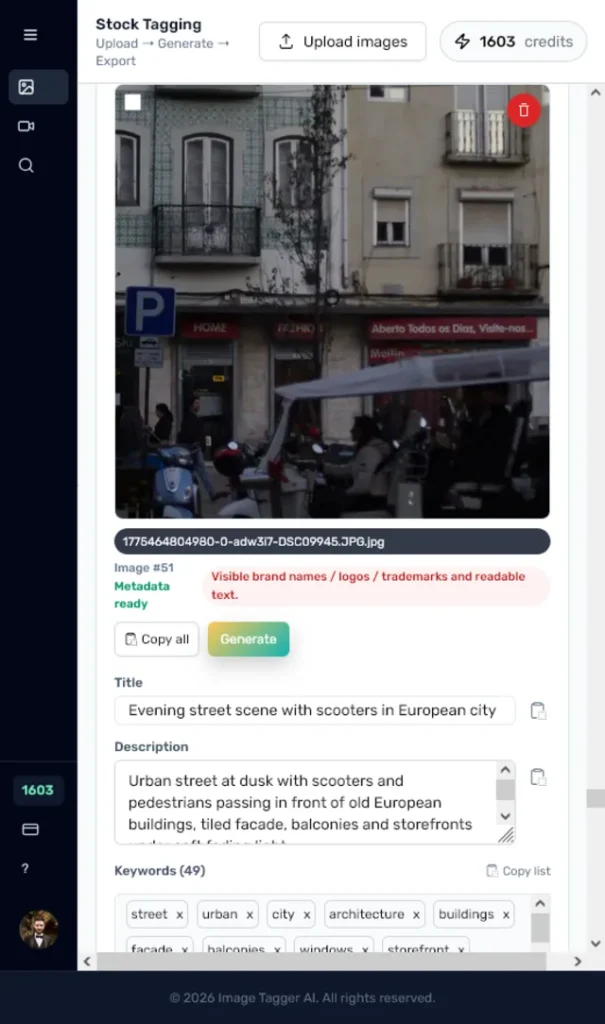
ImageTagger AI turns a repetitive manual metadata process into a structured AI-powered workflow.
The platform gives users a faster way to prepare image titles, descriptions and keywords, while still allowing review and manual control before export.
For Actinium, ImageTagger AI also shows direct product experience: SaaS architecture, AI integration, file upload workflows, database-backed generation, UX for batch processing and long-term product thinking. It proves that Actinium does not only integrate AI as a buzzword — we build real AI-powered products with practical workflows behind them.
Related case studies.

BagCheck Baby
A mobile-first checklist app for parents, built around hospital bags, daycare, baby travel, diaper bags and reusable packing workflows.
Pineapple Licensing
A large Shopify catalog built around bulk product import, product discovery, favorites, wishlist requests and admin-reviewed pricing.
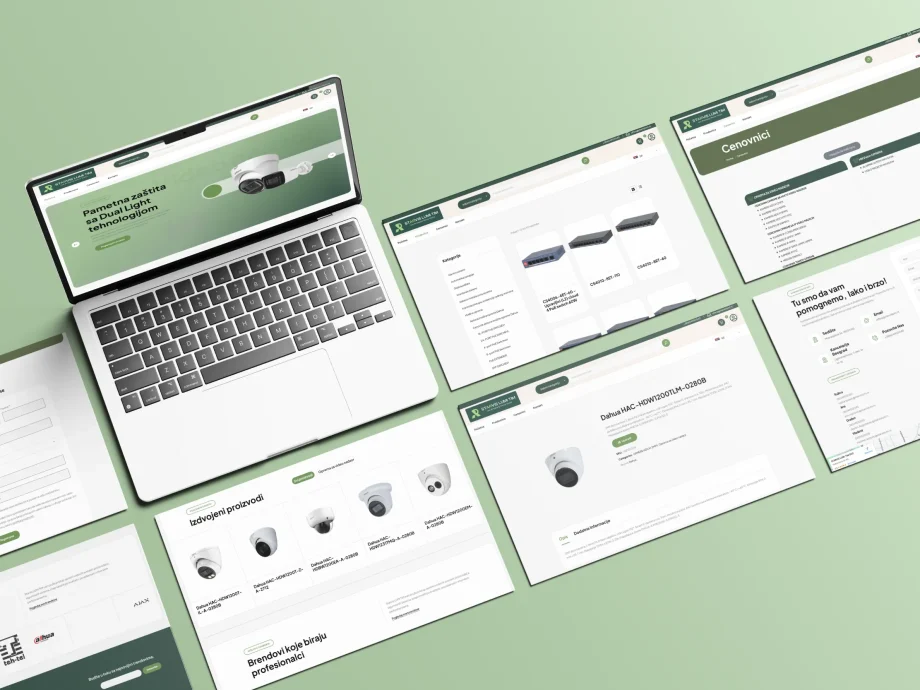
Starvis Lumi Tim
A WooCommerce platform for a lighting business with 1,200+ products, B2B and retail customer flows, custom discount logic and ongoing technical support.
Building an AI product or internal workflow tool?
If your business has a repetitive process that could become a custom AI workflow, dashboard or SaaS product, Actinium can help turn it into a usable web application.