
Turning Shopify into a searchable licensing catalog with a custom request workflow.
Pineapple Licensing had a large product catalog that needed to be searchable, browsable and easy to request — without forcing the business into a standard “add to cart and pay now” Shopify model.
Actinium helped shape Shopify into a catalog-driven experience with bulk product import, large image handling, collection structure, custom filtering, wishlist/favorite behavior and an admin-reviewed request flow for pricing.
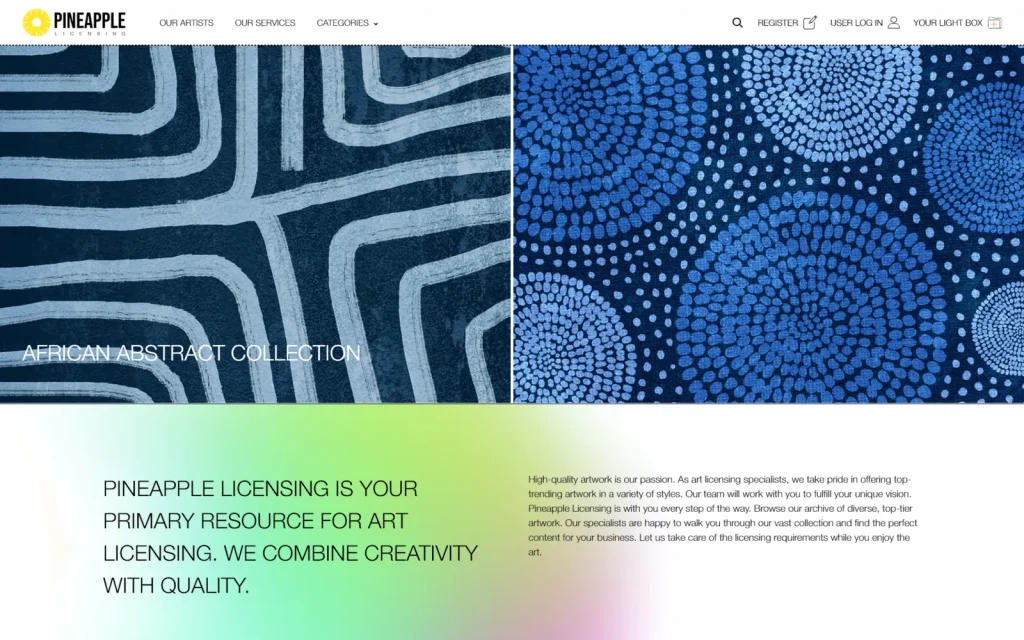
Shopify catalog platform
Shopify / Liquid / Metafields / Custom scripts
Shopify development, catalog import, custom scripting, product discovery, wishlist/request workflow, metafield filtering
Large product catalog, bulk import, collection/category structure, image migration, favorites workflow and admin-reviewed pricing requests
Pineapple Licensing gained a Shopify catalog experience built around how the business actually works: browse, shortlist, request and review.
Pineapple Licensing was not a typical e-commerce build. The business needed a digital catalog where users could explore a large number of products, save favorite items and send selected products to the team for review.
Because pricing and licensing details are not always simple or fixed, the store could not behave like a normal checkout-first Shopify site. Instead, Shopify had to support a browsing, shortlisting and request-based workflow.
The project included custom development, bulk import scripts, catalog organization, image handling, collection pagination, filtering by product data and a wishlist/favorites flow that allowed users to build a selection and send it for admin review.

The main challenge was scale and workflow.
Pineapple Licensing had thousands of products and a very large image library. Importing that data manually was not realistic, so the catalog needed to be prepared and moved in bulk using scripts and structured import logic.
Shopify also has practical platform limits and behaviors that matter when a catalog becomes large: product data, images, collections, pagination, metafields, filtering, app behavior and admin workflows all need to be handled carefully.
The business model also did not fit a normal Shopify checkout flow. Visitors needed to browse the catalog, save favorite articles/items and send them to the admin for review, where pricing and next steps could be handled manually.
The challenge was to turn Shopify into a usable licensing catalog without making the frontend confusing or the backend impossible to manage.
- Large catalog with 5,000+ products
- Around 12,000 images to organize and attach correctly
- Bulk import needed instead of manual product entry
- Collection/category structure had to stay usable
- Shopify limits and platform behaviors had to be worked around
- Visitors needed favorites/wishlist behavior instead of normal checkout
- Admin needed a way to review selected items before pricing
- Product discovery needed to stay clear as the catalog grew
Structure the catalog first
Before improving the frontend, the catalog needed a reliable structure. Products, images, categories, collections and product data had to be organized so Shopify could handle them cleanly.
The import process was planned around bulk operations instead of manual entry, using scripts and structured data preparation to reduce repetitive work.
Shape Shopify around discovery
The store was designed more like a catalog than a standard checkout store. Collection browsing, pagination, filtering and product detail pages were improved so visitors could move through a large number of items without getting lost.
Product data and metafields were used where needed to support better filtering and browsing.
Build the request workflow
Instead of pushing users directly to checkout, the experience focused on saving favorite items and sending a selected list to the admin for review.
This allowed Pineapple Licensing to keep control over pricing and licensing discussions while still giving users a simple way to shortlist products and express interest.
Bulk product import
Custom import work for moving a large catalog into Shopify more efficiently.
Large image handling
Support for organizing and attaching thousands of product images during the catalog setup.
Collection and category structure
A cleaner browsing structure to help users move through a large product catalog.
Metafield-based filtering
Product data was structured to support more useful filtering and discovery.
Wishlist / favorite workflow
Visitors could save selected items instead of using a standard checkout flow.
Admin-reviewed request flow
Favorite items could be sent to the admin for review so pricing and licensing details could be handled manually.

Pineapple Licensing gained a Shopify catalog experience built around how the business actually works: browse, shortlist, request and review.
The project helped move a large product and image catalog into a more manageable Shopify structure, while improving product discovery and creating a request flow that fits a licensing-based sales process.
Instead of treating every item like a standard e-commerce product with instant checkout, the store supports a more flexible workflow where users can explore the catalog, save favorites and send selected items for admin review before pricing is confirmed.
Related case studies.
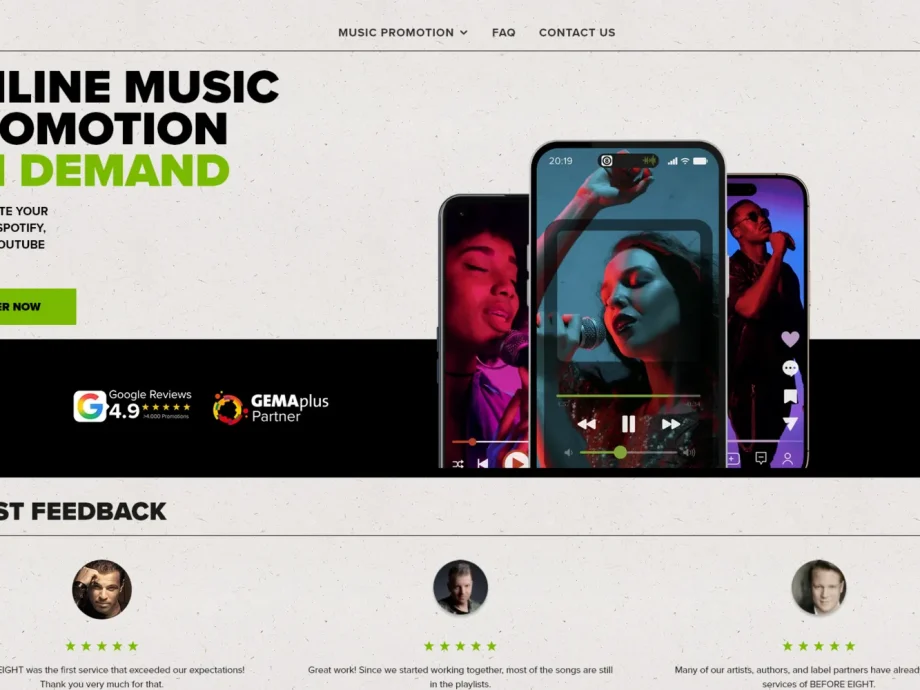
Before Eight
A multi-phase e-commerce project covering WooCommerce improvements, Shopify migration, order migration, VAT/tax setup review and custom campaign buying flows.
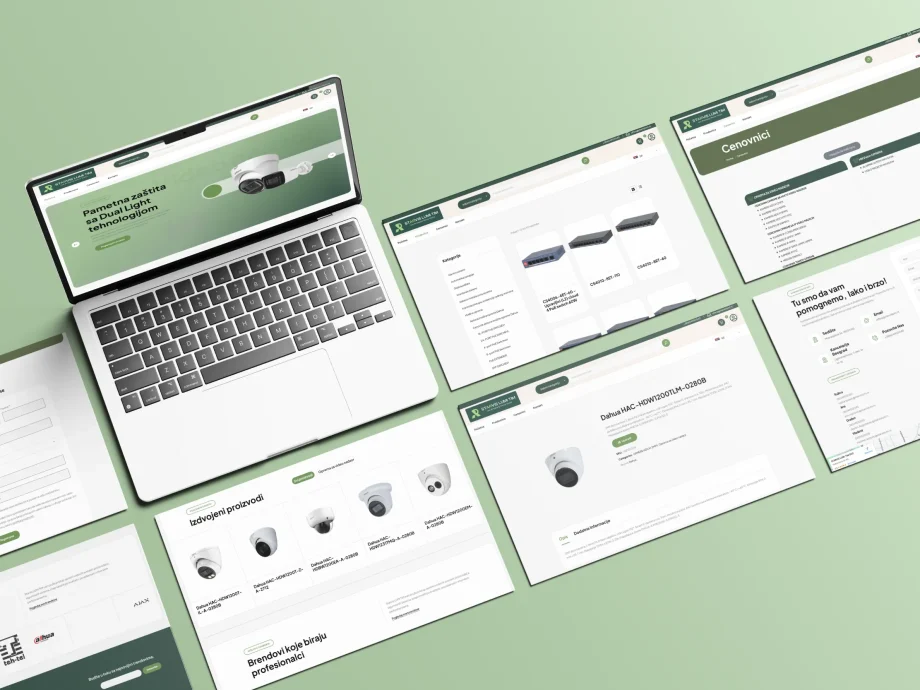
Starvis Lumi Tim
A WooCommerce platform for a lighting business with 1,200+ products, B2B and retail customer flows, custom discount logic and ongoing technical support.

Zamotuljko
A family-run baby product store built with WooCommerce, cash-on-delivery ordering, mobile-friendly shopping and trust-focused product education.
Need Shopify to do more than a standard checkout?
If your store needs catalog browsing, bulk import, custom product discovery, wishlist requests, admin-reviewed pricing or a workflow that does not fit a normal e-commerce template, Actinium can help shape Shopify around how your business actually works.